Toronto Stocks Manager5.1
Publisher Description
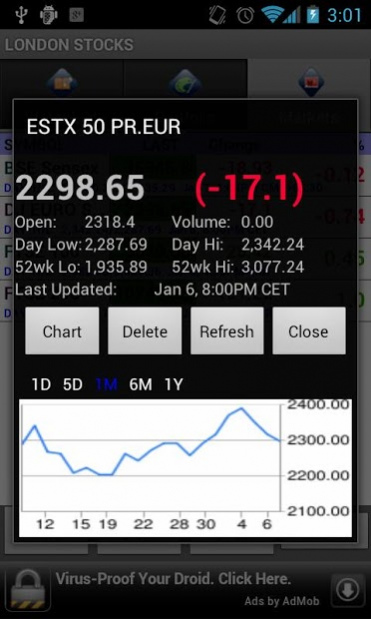
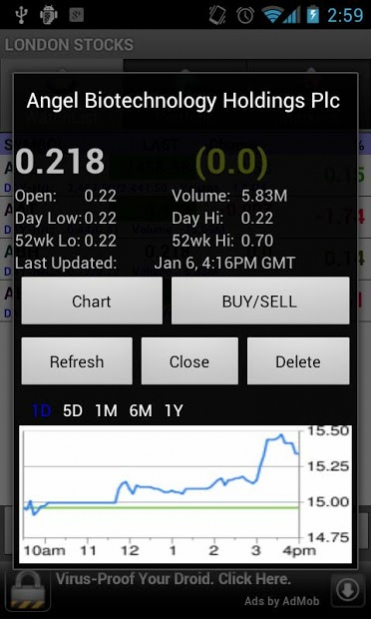
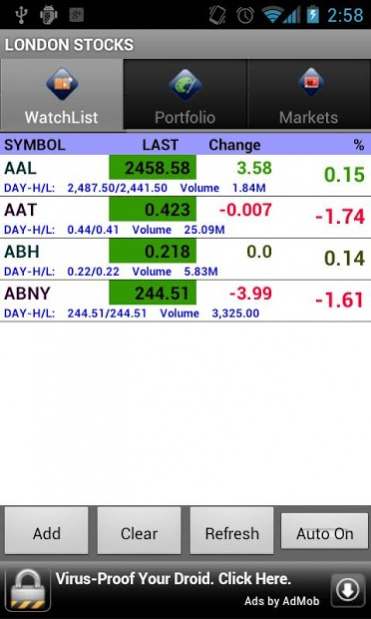
Toronto Stocks Manager brings you streaming quotes from Toronto Stock Exchange.
It synchronizes with different sources i.e. Google Finance & Yahoo Finance, It allows quick access to charts, portfolio management & a close eye on World Markets
Track your portfolio with shares and cost
• Stock with real time tickers
• Manage portfolio and save all your transactions
• Manage Multiple portfolios (Click on Menu Button)
• Manage Multiple Watch List for better Tracking (Click on Menu Button)
* Live News for your watch list and portfolio.
* Backup/Restore to Google Account Docs (To do backup and restore click on top right icon on your screen.)
Disclaimer:
This application is a stocks viewer with no warranty.
It fetches data from Google Finance APIs from Google Inc (http://www.google.com/help/stock_disclaimer.html) and Yahoo Finance
We assumes all information to be truthful and reliable, however, we cannot and do not warrant or guarantee the accuracy of this information.
All information provided must be understood as information purposes only and not investment advice.
About Toronto Stocks Manager
The company that develops Toronto Stocks Manager is Stocker. The latest version released by its developer is 5.1. This app was rated by 1 users of our site and has an average rating of 3.0.
To install Toronto Stocks Manager on your Android device, just click the green Continue To App button above to start the installation process. The app is listed on our website since 2017-09-11 and was downloaded 80 times. We have already checked if the download link is safe, however for your own protection we recommend that you scan the downloaded app with your antivirus. Your antivirus may detect the Toronto Stocks Manager as malware as malware if the download link to com.adore.tsx.stock is broken.
How to install Toronto Stocks Manager on your Android device:
- Click on the Continue To App button on our website. This will redirect you to Google Play.
- Once the Toronto Stocks Manager is shown in the Google Play listing of your Android device, you can start its download and installation. Tap on the Install button located below the search bar and to the right of the app icon.
- A pop-up window with the permissions required by Toronto Stocks Manager will be shown. Click on Accept to continue the process.
- Toronto Stocks Manager will be downloaded onto your device, displaying a progress. Once the download completes, the installation will start and you'll get a notification after the installation is finished.
Program Details
System requirements
Download information
Pricing
Version History
version 5.1
posted on 2017-09-11
Fixed for critical issues
version 3.3
posted on 2013-01-20
V 3.3,Support for Configurable Tab UI,Support to sort PortFolio List with Day PL, Total PL & Quantity,Support for multiple source - Added Yahoo,Support for configurable Start screen,Performance Fix
version 3.3
posted on 2013-01-20
Several fixes and updates
